Remote control
D-pad, touchpad, number keys and media controls, with volume, channels and one-tap app shortcuts.
No more lost remotes or dead batteries. Control your smart TV, mirror your screen and send photos and videos to the big screen, all from your phone.
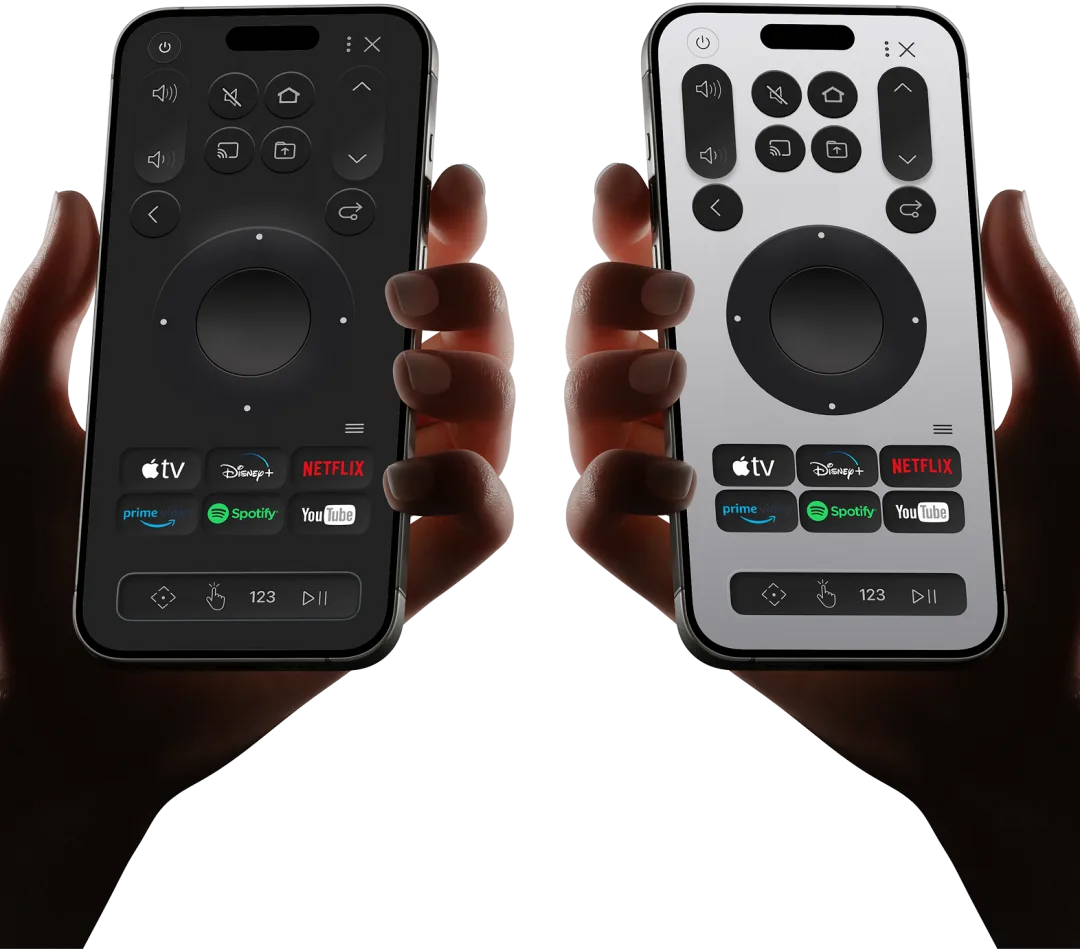
Everything your TV remote does, plus the things it never could.
D-pad, touchpad, number keys and media controls, with volume, channels and one-tap app shortcuts.
Show your phone screen on your TV for apps, games, slides and anything else you want bigger.
Send photos, videos and music from your phone straight to the TV, no cables or USB sticks.
Browse the web on your TV and jump to YouTube, Spotify, TikTok and more in a tap.
No more buttons you never use. Just simple, easy control, laid out like the remote you wish came with your TV.
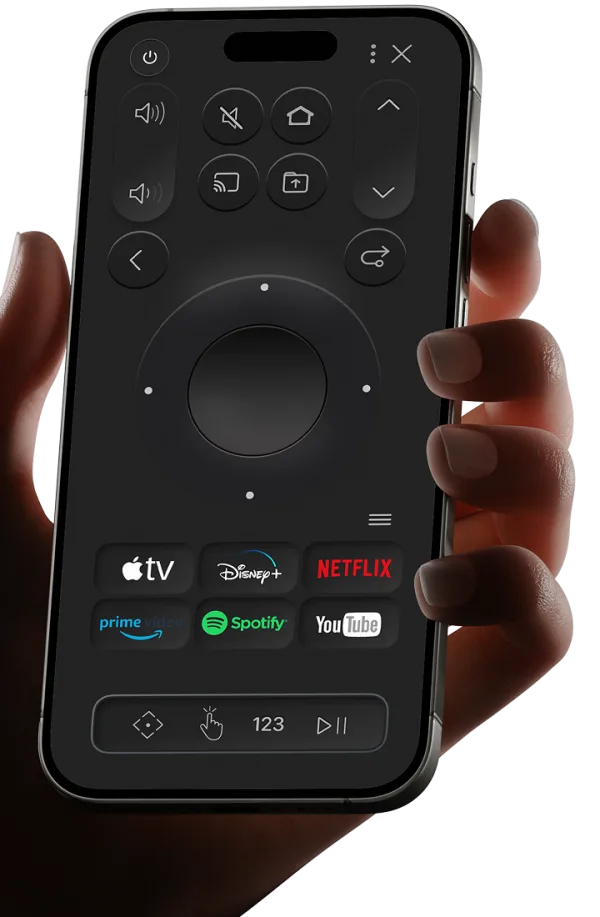
+TV speaks each brand's own protocol, so it connects quickly and reliably: Samsung (Tizen), LG (webOS), Sony and Philips, with Android TV and many sub-brands too. Phone and TV just need to be on the same Wi-Fi.
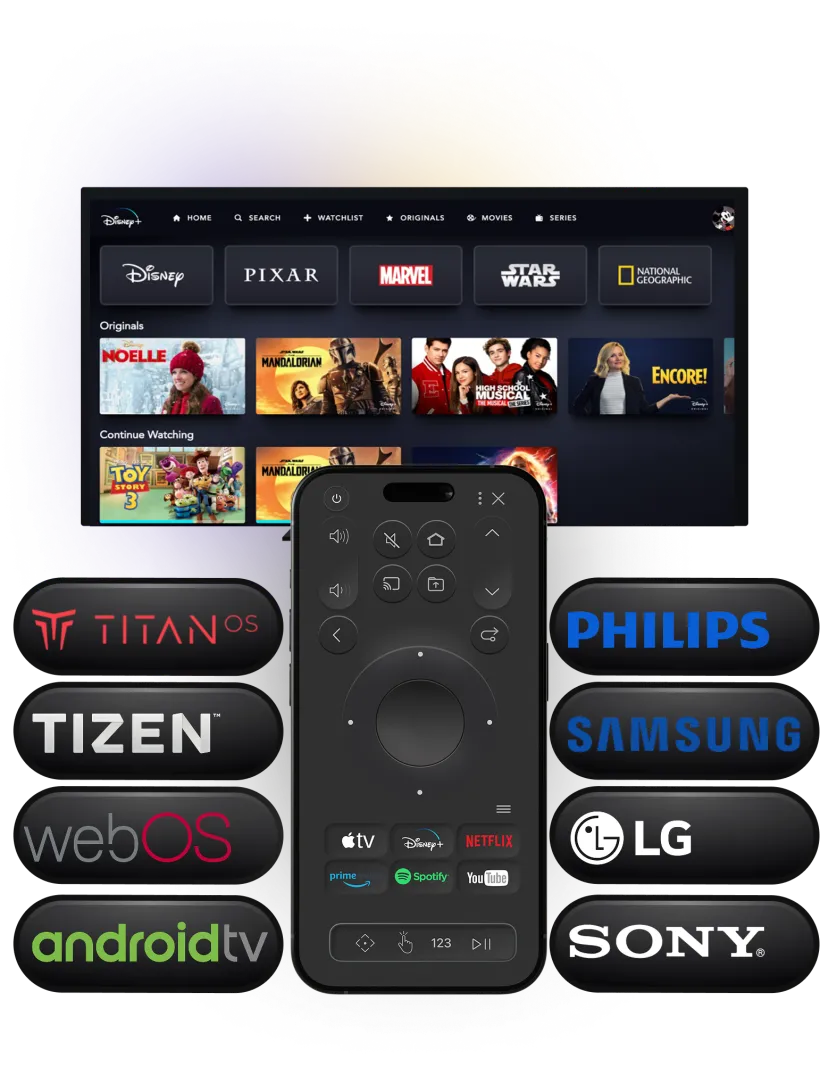
Add up to 4 family members, each on their own TV or sharing the same one.
Reviews from Google Play, translated to English.
I've been using it for 2 weeks and I prefer this over Samsung's own complicated remote control design. It connects faster.
2 haftadır kulanıyorum ve samsungun kendi karışık kumanda tasarımındansa bunu tercih ederim daha hızlı bağlanıyor.
When connecting to my LG TV an error occurred. The app detected it automatically and said a report was sent. I thought nothing would be fixed, but a day later I got a message saying the error was resolved, and they really had solved it. Worth giving a chance. The app at least cares about you.
Lg marka televizyonuma baglanırken hata verdi uygulama otomatik olarak algılayıp rapor gönderildi dedi başta her uygulamada olduğu gibi birşey düzelmez dedim ama 1 gün sonra hatanız çözüldü mesajı geldi ve gerçekten çözdüler şans verilmeye değer uygulama en azından sizi önemsiyor.
It's the only app that works on our Philips and Sony TVs. Amazing. Thanks to the app I played funny jokes on my friends, and now we use it together. I recommend the family plan.
Philips ve sonny televizyonlarımızda çalışan tek uygulama şaşırtıcı helal olsun uygulama sayesinde arkadaşlarıma komik şakalarda yaptım şimdi beraber kullanıyoruz aile planında öneririm valla.
My opinion is good, I like it a lot, I use it in my free time.
Mi opinión es buena me gusta mucho la uso en mi tiempo libre
Download +TV and connect to your TV in seconds. The remote needs a subscription; new subscribers get a 3-day free trial.